
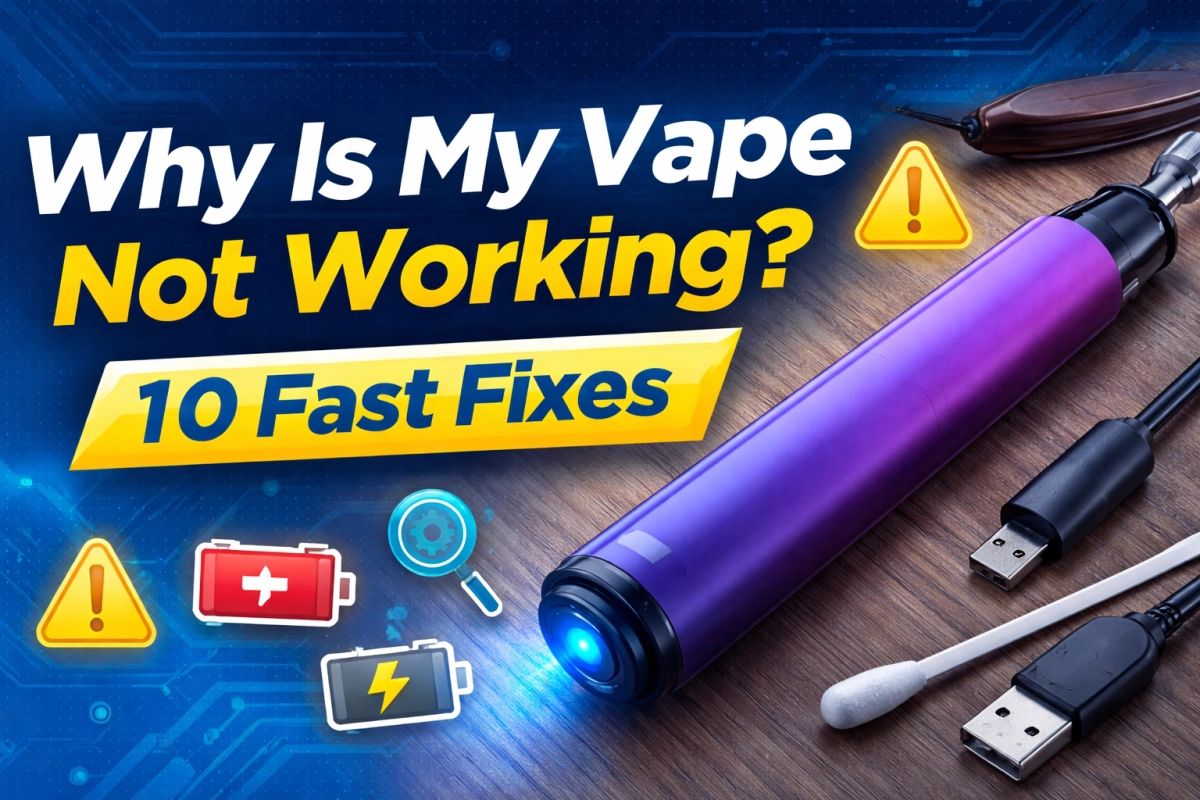
Most “vape pen not working” situations come from a small set of repeatable causes: power/lock status, dirty contacts, blocked airflow, a spent pod/coil, or liquid/condensation getting where it shouldn’t. Start with the 60-second triage below, then match your symptoms to the exact fix.
60-Second Triage: Find the Cause Fast
If you’re searching “why is my vape not working,” do this in order. Don’t skip steps—most fixes are found in the first three checks.
| What you see | Most likely cause | First move (30–60 seconds) |
|---|---|---|
| No light, no response | Off/locked or low charge | Try the on/off or unlock sequence; then charge and swap cable/adapter. |
| Light flashes but no vapor | Dirty contacts, poor seating, or airflow blocked | Remove cartridge/pod, dry-wipe contacts, reseat gently; check air inlets for stickers/lint. |
| Very tight draw / no airflow | Clogged air path or overtightened cartridge | Check inlet holes; loosen slightly; clear mouthpiece path (see Reason #4). |
| Burnt/harsh hit | Coil/pod is spent or power too high | Lower power; pause; replace coil/pod if taste persists (see Reason #6/#8). |
| Gurgle / wet mouthpiece | Flooding, leak, or condensation | Stop, wipe, keep upright, let it rest; then take gentler puffs (see Reason #7). |
| Worked yesterday; dead after travel | Shock/vibration, pressure/temperature swings | Inspect seating, leaks, and air path; treat as DOA if still dead after fixes (see Reason #10). |
1) It’s Off or Locked
How to spot it
- Nothing happens when you puff or press the button.
- It blinks in a repeating pattern and then stops.
Fix in 60 seconds
- Try the common lock toggle (often rapid multi-click). If you’re unsure, use the brand manual.
- If it’s draw-activated, take a slow, gentle puff (hard pulls can worsen clogs).
- Remove and reattach the cartridge/pod so it seats flush (no wobble).
Prevent next time
- Carry it upright; avoid pocket lint around the mouthpiece and air holes.
- Use a consistent puff cadence: shorter, softer pulls beat long hard pulls.
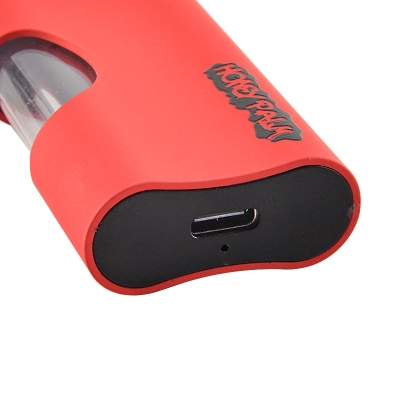
2) Low Charge or a Charging Path Problem
Power issues often look like “dead,” but they can also show up as weak vapor or short cutoffs. Treat this as a charging-path checklist (cable, adapter, port cleanliness, and fit).
Fix in 60 seconds
- Swap to a known-good cable and wall adapter.
- Check the port for lint; clear gently with a dry wooden toothpick (no metal picks).
- Charge for 10–15 minutes, then try again.
Prevent next time
- Keep the port covered during storage; pocket lint is a repeat offender.
- Don’t force connectors—loose ports worsen over time.
3) Contacts Are Dirty or Wet (Condensation)
Condensation is normal during use. The problem starts when moisture creates a thin film on contact points or pools at the base, interrupting power delivery.
Fix in 60 seconds
- Remove the cartridge/pod.
- Dry-wipe all contact points with a clean cotton swab.
- If residue is stubborn, dampen the swab with a small amount of isopropyl alcohol, then let everything fully air-dry before reassembly.
Prevent next time
- Take gentler puffs; hard pulls increase condensation and flooding.
- Store upright to reduce seepage into contact areas.
4) Airflow Is Blocked
A blocked air path is one of the top reasons a vape pen feels “not working.” The giveaway is a tight draw, no airflow, or a whistle/gurgle combo.
Fix in 60 seconds
- Remove any stickers/plugs that may cover inlet holes (especially on new units).
- Check the mouthpiece for lint; clear gently with a dry swab.
- If using a 510 cartridge, loosen it slightly—overtightening can restrict airflow on some setups.
Prevent next time
- Use slower, softer pulls (MTL-style is often the most forgiving).
- Keep the unit upright in cold weather; thickened liquid increases clog risk.
5) Cartridge/Pod Isn’t Seated or Isn’t Compatible
If the indicator lights up but you get little to no vapor, the cartridge/pod may not be seated correctly, or the fit is mismatched. Even a small gap can break contact or misalign airflow.
Fix in 60 seconds
- Remove the cartridge/pod and inspect for debris on threads and contact points.
- Reattach by hand until snug—avoid overtightening.
- Try a known-good cartridge/pod if available.
Prevent next time
- Standardize what your team uses (thread type, form factor, and fit tolerances).
- Keep a simple incoming check: seat, airflow, and a short test puff protocol.
6) Coil/Pod Is Spent, Burnt, or Not Primed
“Not working” can be a coil that’s reached end-of-life, a pod that wasn’t primed (on refillable systems), or a setup that ran too hot and scorched.
Fix in 60 seconds
- If it tastes burnt, stop and let it cool for a few minutes.
- Lower the power level (if adjustable) and take shorter puffs.
- If taste stays burnt, replace the pod/coil.
Prevent next time
- Start low, increase gradually, and keep puff cadence steady.
- Avoid chain-puffing; heat build-up is a common path to harsh hits.
7) Flooding, Leaks, or “Gurgle” Is Choking the Air Path
Flooding often feels like weak hits, gurgling, or a wet mouthpiece. The goal is to clear excess liquid/condensation and prevent repeat leaks.
Fix in 60 seconds
- Stop for a minute and hold the unit upright.
- Remove cartridge/pod and wipe the mouthpiece and base dry.
- Take one gentle “dry pull” (no button press) to re-balance airflow, then resume with soft puffs.
Prevent next time
- Don’t over-pull; hard draws can pull liquid into the air path.
- Keep it upright during storage and transport.
- In cold weather, warm it with your hands before use to reduce thick-flow clogs (avoid overheating).
8) Power Level / Warm-Up Settings Don’t Match the Setup
Too low can feel like “no vapor.” Too high can cause harsh hits, flooding, or fast cutoff protection. The fix is simple: step in small increments and log what works.
Fix in 60 seconds
- Lower the power level and test a short puff.
- If vapor is weak, step up slightly (one setting at a time).
- Use brief warm-up only when cold; then return to normal puffs.
Prevent next time
- Standardize a “start low / step up” protocol for your team.
- Match airflow and puff cadence to the power level you choose.
9) Moisture, Dust, or Debris Got Inside
Water, dust, and fine debris can interrupt airflow and contact points. This is why enclosure protection (IP ratings) matters for products used around humidity, pockets, and outdoor conditions.
Fix in 60 seconds
- Power off (if possible), remove cartridge/pod, and dry everything externally.
- Let it air-dry fully before reassembly.
- If it was exposed to liquids, treat it as suspect—don’t force repeated use.
Prevent next time
- Keep mouthpiece and air holes away from pocket lint and moisture.
- For teams shipping or storing inventory, use packaging that is tested for real-world handling hazards.
10) It’s a Fault or Damage—Treat as DOA and Replace
If you’ve done the basic checks (power/lock, contacts, airflow, seating) and nothing changes, assume one of these: a manufacturing fault, internal damage from drops/shipping vibration, or a sealed component failure.
Fix in 60 seconds
- Stop troubleshooting loops. Repeating the same steps can worsen a fault.
- Try one known-good cartridge/pod and one known-good cable/adapter (if rechargeable).
- If still dead: label it DOA, record the symptom, and use your RMA process.
Prevent next time (for teams)
- Adopt a simple incoming QC script: seat check, airflow check, and a short function test on a sample set.
- Use packaging verified against distribution hazards (drop, vibration, compression, temperature swings).
Safety & When to Stop
Troubleshooting should never override safety. If anything looks or smells abnormal (heat, smoke, burning odor, melting, or auto-firing), stop use. If you feel unwell, follow public-health guidance and seek professional care.
- FDA ENDS overview (regulatory and safety context)
- EVALI warning signs (CDC FAQ and recommendations)
- Public Health Consequences of E-Cigarettes (National Academies evidence conclusions)
If you manage inventory for resale, keep troubleshooting logs simple and consistent: symptom → cause → fix → outcome. That prevents “random” returns and helps you spot repeat failure modes that need supplier action.
Related reading on VapeHiTech (non-sales, educational):
FAQ
What’s the fastest fix when a vape pen isn’t working?
Start with the triage order: (1) off/locked, (2) charging-path check, (3) dry-clean contacts, (4) clear airflow, (5) reseat cartridge/pod. Most “vape pen not working” cases resolve by step 4.
Why does it blink but not produce vapor?
Blinking often signals a protection or connection issue: dirty contacts, poor seating, blocked airflow, or a spent pod/coil. Dry-clean contact points and clear air inlets first.
Why is the draw super tight?
Tight draw usually means a clogged air path, lint in the mouthpiece, or overtightening on a 510 setup. Clear the mouthpiece and air holes, then loosen slightly if needed.
Why does it gurgle or feel wet?
That’s usually flooding or heavy condensation. Wipe dry, rest upright, and switch to gentler puffs with longer pauses.
When should I stop troubleshooting?
Stop if there’s abnormal heat, burning odor, melting, auto-firing, or if you feel unwell. Use public-health resources and seek professional help if symptoms are concerning.
How can B2B teams reduce “not working” returns?
Standardize a short incoming check (seat + airflow + quick function test on a sample), log failures, and ship in packaging validated for real-world handling hazards (drop/vibration/compression).

3 Comments
Helpful content. Appreciate it.
Thanks for the clear explanation.
Good post. Very easy to follow.