
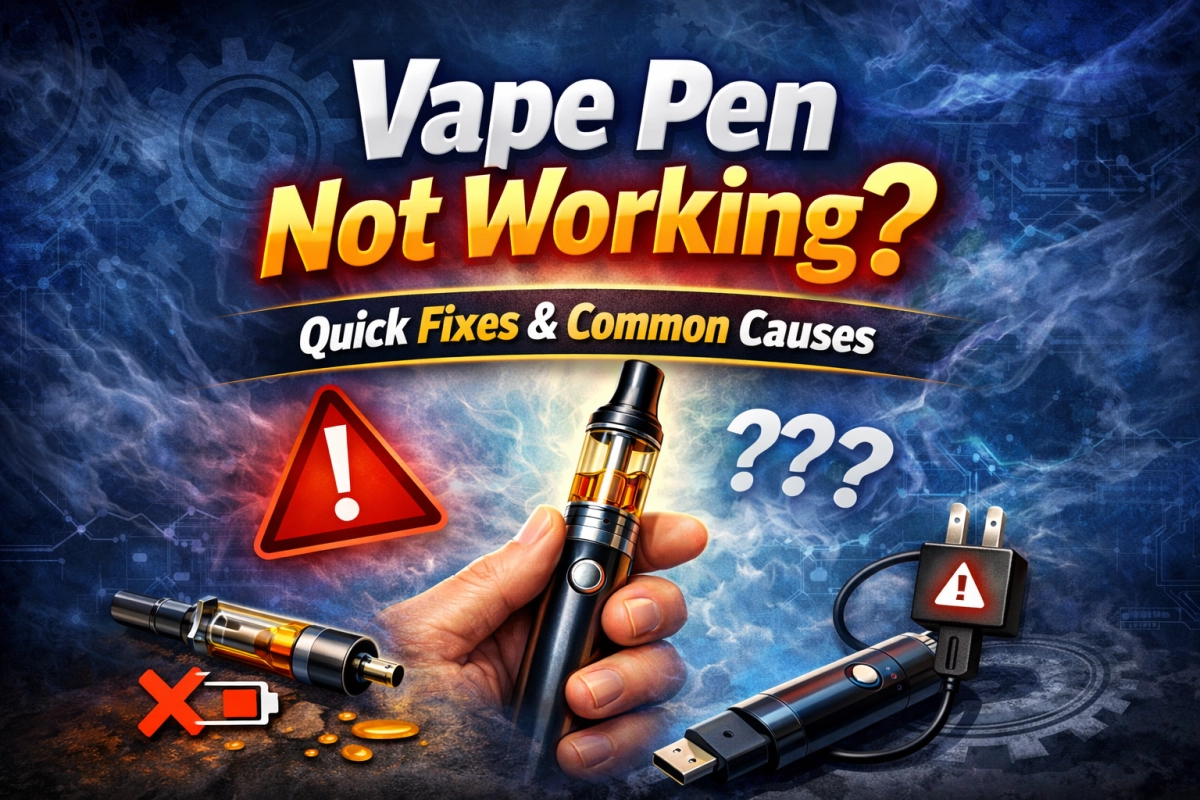
If your vape pen is not working—no lights, blinking lights, weak hits, hard draws, charging issues, leaking, or a burnt taste—this guide helps you diagnose the most common failure modes and fix them safely.
1) 30-second quick check (do this first)
Most “vape pen not working” cases are caused by power lock states, poor contact, or simple contamination. Before deeper troubleshooting, do this quick pass:
- Turn it fully off (if possible), then turn it on again.
- Check the obvious: cracks, swelling, unusual odor, heat marks, or liquid in the charging port.
- Confirm fit: hand-tighten only—snug, not forced.
- Clean contact points: wipe threads and the center contact gently with a dry swab.
- Swap one variable: try a known-good charger cable, then a known-good cartridge/part (one at a time).
New to setup and care? Use this companion guide: how to use a vape pen.
2) Vape pen not working at all (no lights, no response)
When nothing happens—no LED response, no heat, no vibration—the most likely causes are a lock state, a fully depleted battery, or a protection cutoff.
Likely causes
- Lock state: many pens have an on/off or lock function to prevent accidental activation.
- Battery fully depleted: the cell voltage may be below the minimum startup threshold.
- Protection cutoff: short protection or overcurrent protection may block output.
- Contact failure: the center contact does not touch reliably.
What to do (safe sequence)
- Try the lock/unlock pattern (then wait 10 seconds).
- Charge using a known-good cable and a compatible power source for 15–20 minutes, then test again.
- If you use 510 threads, remove the cartridge/part, clean the threads, and re-seat gently.
- If possible, test with a second compatible cartridge/part to isolate whether the issue follows the pen or the cartridge.
3) Not charging or charging but dying fast
Charging failures usually come from cable/port problems, contamination, or safety cutoffs. “Charges but dies fast” typically points to a weakened cell or a poor electrical path that triggers early low-voltage behavior.
Fast checks
- Try a different cable first (it’s the quickest variable to swap).
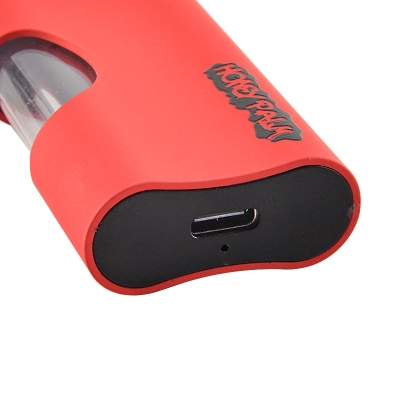
- Inspect the port for lint or residue; do not force tools into the port.
- Change the power source (a different USB port/adapter).
- Let it cool if it feels warm; heat can reduce charging performance and trigger protection behavior.
Safe charging rules (reduce fire risk)
- Charge on a stable surface away from clutter.
- Don’t charge while sleeping or unattended; unplug once fully charged.
- Use compatible chargers and follow the manufacturer’s instructions.
- Avoid charging in extreme temperatures; room temperature is safer for lithium cells.
For authoritative safety guidance, see: FDA battery fire/explosion prevention tips and the USFA e-cigarette fire safety flyer (PDF).
4) Blinking lights: what it usually means
Blinking is often a “status code.” While patterns vary by brand, most blinking falls into a small set of causes: low power, short detection, timeout protection, or contact error.
| Symptom | Common cause | Best first action |
|---|---|---|
| Rapid blinking right after pressing | Low battery or cutoff | Charge 15–20 minutes, then retry |
| Blinking only when a cartridge/part is attached | Contact miss or short detection | Remove, clean threads/center contact, reseat gently |
| Blinking after a long puff | Timeout protection | Shorten puffs; let it cool down |
| Blinking + hot body | Overcurrent/short behavior | Stop using; isolate and inspect |
5) Lights on but no vapor
If the LED responds but you get no vapor, the pen is receiving input—but the output path is failing. This is usually contact alignment, airflow blockage, or an internal cutoff under load.
Try this sequence
- Remove and reseat the cartridge/part: snug only.
- Clean contact points (threads + center contact) and let them dry fully.
- Test a second compatible cartridge/part to isolate whether the issue follows the pen.
- Check airflow: ensure the mouthpiece path is unobstructed.
6) Clogged or hard draw
A hard draw is usually a mouthpiece blockage, condensation buildup, or a cold start that makes airflow feel “stuck.” The goal is to clear the restriction without forcing suction (which can worsen flooding).
Quick fixes that don’t require tools
- Warm the mouthpiece with your hand for 10–20 seconds, then take a gentle, steady draw.
- Pause between puffs to reduce condensation buildup.
- Keep it upright for a few minutes if it was stored sideways.
Prevention
- Start with shorter, gentler puffs; avoid aggressive pulls.
- Store upright when possible (especially during transport).
- Use a consistent rhythm rather than back-to-back puffing.
7) Leaking, gurgling, spitback
Leaks and gurgling are usually caused by condensation, pressure changes, or an over-wet pathway after heavy preheating/rapid puffing. The fix is to stabilize first, then resume gently.
What to do
- Stand the pen upright for 5–10 minutes.
- Wipe the mouthpiece area with a clean tissue.
- Resume with shorter puffs and longer pauses.
When leakage is a “replace” signal
- Repeated leaks immediately after cleaning and upright rest
- Visible cracks or deformation around the base/threads
- Liquid consistently migrating into the charging area
8) Burnt taste or harsh hits
Burnt or harsh hits typically come from overheating, too long of a puff, or not enough recovery time between puffs. If your pen supports adjustable output, the safest general rule is to start low and increase gradually.
Fixes
- Shorten puff duration and increase the pause between puffs.
- Reduce output if your pen supports adjustment.
- Avoid long preheats; use the minimum needed to stabilize performance.
9) 510 contact issues (a hidden root cause)
If your vape pen is not working with a 510-thread cartridge/part, contact stability is often the real problem—even when the pen “seems” powered. Thread engagement can look fine while the center contact still misses under load.
Common 510 contact failure modes
- Contamination/oxidation on threads or center contact
- Over-tightening that bottoms out the connection and reduces contact pressure
- Seating geometry mismatch where the center contacts don’t meet reliably
- Tolerance stacking (small variances adding up across parts)
Fixes (in order)
- Power off. Remove the cartridge/part.
- Clean threads and the center contact gently; let everything dry fully.
- Reseat snug only—avoid forcing the last “tiny twist.”
- Test with a second compatible cartridge/part.
If the pen works with one cartridge/part but not another, you’re looking at a fit/contact mismatch rather than a dead battery.
When an adapter helps
A 510 adapter can sometimes restore stable contact by changing seating height or geometry—but it should be chosen by symptom, not guesswork. See: 510 thread adapters.
10) Preventive maintenance to avoid repeat failures
The fastest way to reduce “vape pen not working” incidents is to standardize a simple weekly routine: clean contacts, avoid over-tightening, store upright, and charge safely.
Weekly 3-minute routine
- Wipe threads and center contact gently.
- Inspect the charging port for lint (no sharp tools).
- Check for cracks, looseness, or wobble at the connection point.
Handling rules that prevent 80% of avoidable issues
- Don’t leave pens in extreme heat or cold.
- Don’t store loosely with metal objects that can bridge contacts.
- Don’t overtighten connections—snug is enough.
- Don’t chain-puff; use a consistent rhythm.
11) B2B triage & QC notes (fast, repeatable)
If you manage multiple pens, a repeatable triage process saves hours. Use this simple “swap-one-variable” workflow and document outcomes.
Repeatable triage workflow
- Classify the symptom: dead / charging / blinking / lights-on-no-vapor / hard draw / leaking / harsh.
- Swap the charger cable (known-good).
- Swap the cartridge/part (known-good).
- Clean contacts and retest.
- Record the result (pen-fault vs cartridge-fault vs contact-fault).
What to record (minimum fields)
- Symptom code + timestamp
- Cable used + power source used
- Cartridge/part ID (or lot)
- Outcome after cleaning + reseating
- Final disposition: returned / repaired / retired
Standards-minded teams often ask about electrical safety verification for charging systems; if you need a compliance lens, UL publishes information on UL 8139 safety evaluation for e-cig electrical systems: UL 8139 battery and electrical safety evaluation. For lithium cell safety requirements, see: IEC 62133-2 (portable sealed lithium batteries).
12) FAQ
Why is my vape pen not working even though it has power?
The most common reasons are contact alignment issues (especially with 510 threads), contamination on threads/center contact, or a protection cutoff under load. Clean contacts, reseat gently, and test a known-good cartridge/part.
My vape pen blinks when I attach the cartridge—what does that mean?
That pattern usually indicates a contact miss or short detection. Remove the cartridge/part, clean threads and center contact, let everything dry fully, then reseat snug only. If it still blinks, test a second compatible cartridge/part.
What should I do if my vape pen won’t charge?
Swap the cable first, then swap the power source. Inspect the port for lint or residue without forcing tools into it. If the pen gets unusually hot or shows swelling or burn marks, stop using it.
Is it safe to charge overnight?
Most safety agencies advise against unattended charging. Charge on a stable surface, follow manufacturer instructions, and unplug once fully charged. Use authoritative guidance from agencies like the FDA and USFA linked in this article.
When should I stop troubleshooting and replace the pen?
Replace/retire if you see swelling, charring, melted areas, repeated overheating, repeated auto-firing, liquid in the charging area, or persistent failures that remain after swapping a known-good cable and a known-good cartridge/part.
Can a 510 adapter fix “vape pen not working” issues?
Sometimes—if the root cause is seating height or contact geometry. But adapters won’t fix contamination, damaged threads, or a pen with electrical damage. Diagnose first, then pick an adapter by symptom.
3 Comments
Good read. I found this useful.
Clear and easy to understand. Nice work.
Very helpful post. Thanks for sharing.