
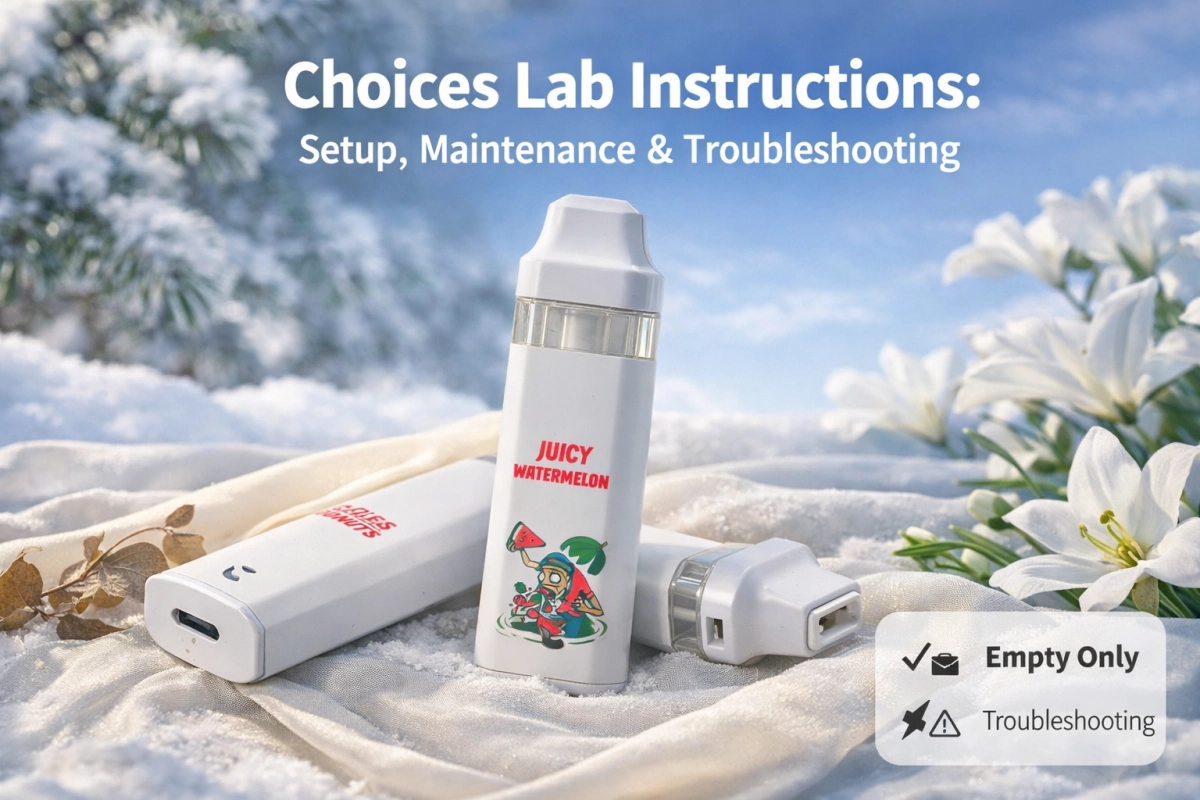
Scope (empty only): This guide is empty only. It explains how to standardize setup checks, basic control logic, maintenance handling, and troubleshooting in listings and receiving workflows. We do not discuss contents, potency, physiological effects, or any filling workflows. Brand names are used for identification only; this page is not affiliated with any brand owner.
Quick take (who this guide fits)
This is a BoFu operational guide for catalog owners, receiving teams, and support teams who need repeatable “user instructions” that remain correct across multiple runs. If you want one hub to route all related traffic, start from: choices lab disposables.
What “good instructions” look like (empty only)
Good instructions are verifiable: they describe printed naming, panel layout, control sequences, and observable state changes. They do not rely on subjective performance language.
Identify your run first (so instructions stay accurate)
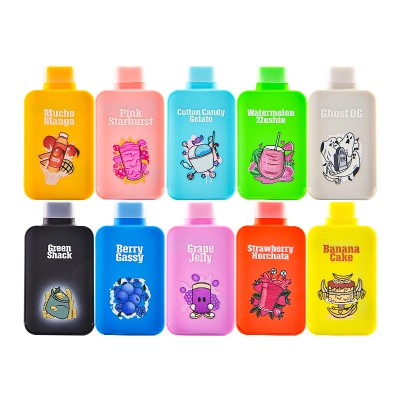
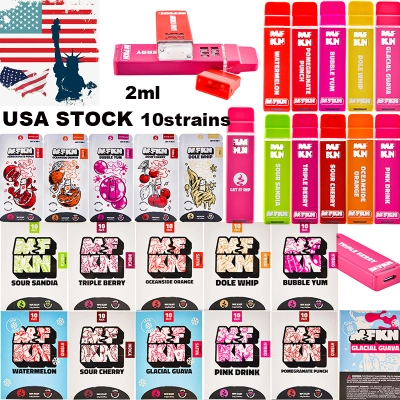
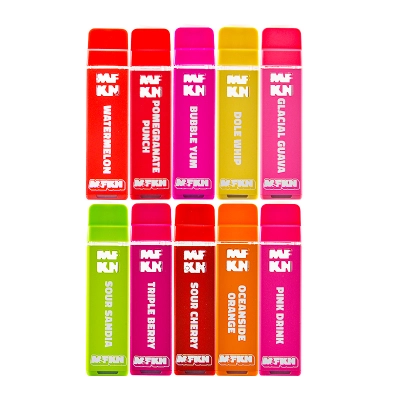
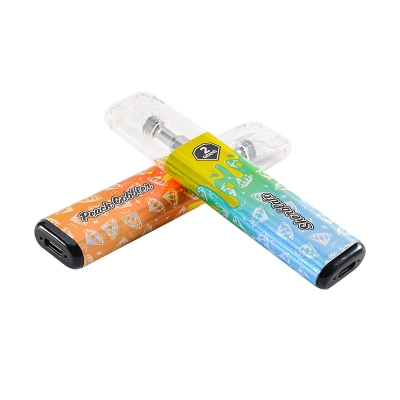
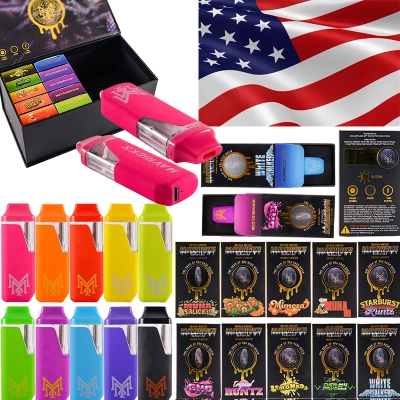
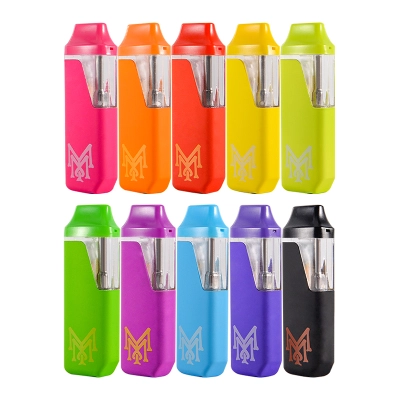
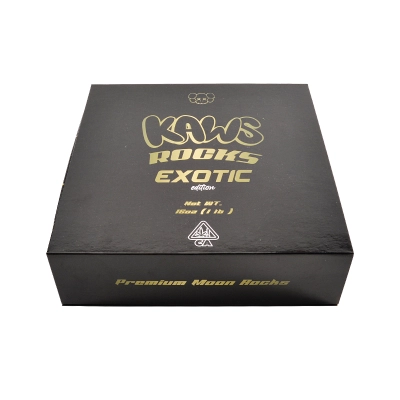
The biggest cause of returns and tickets is copying an instruction block from a different run. Treat “Choices Lab” wording as a family identifier; your job is to map the run using visible cues and then publish instructions for that run only.
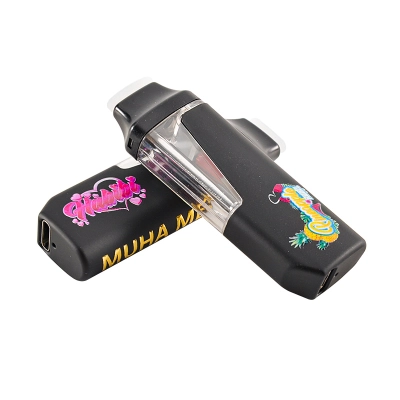
Fast run-cue checks (photo-friendly)
- Primary panel naming: exact spelling, line breaks, and symbols.
- Panel structure: where key info sits (front/side/back) and how it is framed.
- Readout presence: whether there is a screen window and where it appears.
- Identifier zones: any consistent code/batch/date fields (if present) and placement.
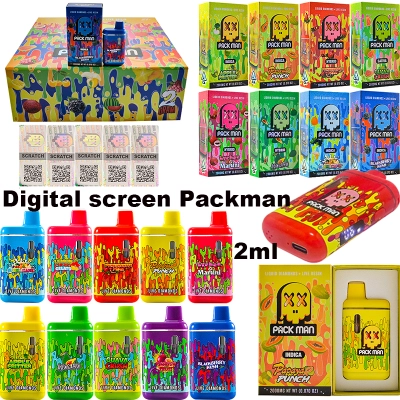
If your run has a screen, route readers to your screen bucket for consistent terminology: disposables with screen.
Run rule (prevents catalog drift)
If two cartons share the same family name but show different panel layouts or different state behavior after taps/clicks, treat them as separate runs until you can reconcile the difference with evidence.
Setup checklist (safe, empty only)
Step 1 — Unbox and remove shipping protections
- Remove any mouthpiece plug/cap and any protective films (if present).
- Check airflow openings for transport tape or dust covers.
- Keep the box panels intact for run-cue photos and consistent listing fields.
Step 2 — Quick visual inspection (non-destructive)
- Alignment: mouthpiece fit and shell seams should be consistent.
- Print quality: verify the primary panel naming is clear and consistent across units.
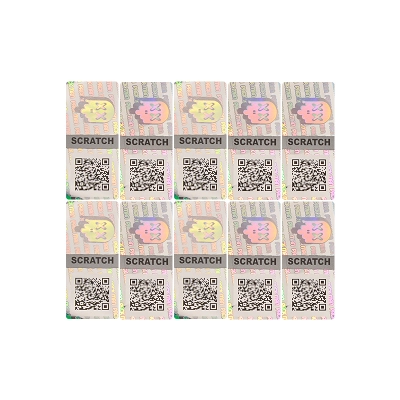
- Seals/labels: document seal label style and where it sits (if present).
Step 3 — Baseline responsiveness check (publish only after you verify)
Use brief interactions only. Your goal is to confirm the run responds consistently to the same tap/click sequence, not to “test performance.” If behavior varies across units, isolate as a separate run.
Control map (tap/click logic you can publish)
This is where your BoFu intent converts: readers want a clean instruction block they can copy into listings and support replies. Anchor your keyword here with a run-specific reference page: choices lab instructions.
Baseline control map (use “if supported” until validated)
| Action | Instruction line (listing-ready) | Verification note (receiving) |
|---|---|---|
| Power | 5 clicks: on/off (if supported) | Confirm identical response across a sample set before publishing. |
| Status / current selection | 1 tap: show current selection (if supported) | Record the exact label/symbol shown; do not rename in support. |
| Switch selection | 2 taps: switch selection (if supported) | Log state changes with photos/screenshots as run evidence. |
| Combined mode | 3 taps: combined mode (if supported) | Document the observable cue that indicates mode change. |
Publish-safe wording (prevents over-claims)
Prefer: “Tap sequences may vary by run; publish only the sequence verified for your run.”
Avoid: absolute statements that assume every run behaves identically.
Maintenance & handling (empty only)
Maintenance guidance should stay operational and evidence-based: cleanliness, packaging integrity, and consistent storage reduce disputes more than “feature” talk.
Clean handling basics
- Keep mouthpieces clean during handling; avoid touching openings directly.
- Store cartons sealed until run cues are confirmed and logged.
- Use a consistent photo standard (same angle, distance, lighting) for run records.
Storage discipline for stable listings
- Keep packaging flat and uncrushed so label zones remain readable in evidence photos.
- Separate cartons by run until your control map and panel cues match.
- Route general empty-only handling guidance to your broader category: empty vape pen.
Troubleshooting: symptom → checks → actions
Symptom A: taps/clicks feel unresponsive
- Check 1: confirm you are following the run-verified sequence (don’t assume).
- Check 2: inspect for protective film over the touch area (remove only if clearly a transport layer).
- Action: test 10 units from the same carton; if behavior splits, treat as separate runs.
Symptom B: readout stays blank (screen runs)
- Check 1: compare against a known-good sample from the same carton.
- Check 2: verify the screen window and label adjacency match your run record.
- Action: hold mismatched cartons for review; do not merge into the same listing.
Symptom C: inconsistent behavior across cartons with similar naming
- Check 1: compare primary panel photos and identifier zones side-by-side.
- Check 2: verify capacity wording placement and typography (don’t “assume equivalence”).
- Action: create separate listing variants by run cue; publish separate instruction blocks.
Capacity wording tip (reduces “expected vs received” disputes)
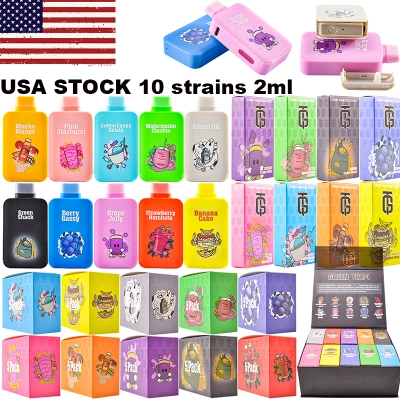
Keep one internal capacity taxonomy and avoid merging runs that print capacity differently. If you maintain a unified capacity bucket across the site, keep it consistent via: 2ml vape pen.
How to write listing instructions without returns
Use a 3-part instruction block (simple and audit-friendly)
- Run label: one short cue (e.g., “screen-left / label-top-right”).
- Controls: 3–5 lines max (power, status, switch, combined mode) — only what you verified.
- Evidence: 2–3 photos/screenshots stored with the run record (same angles every time).
One wording rule that prevents support chaos
Whatever label/symbol the run shows for states, keep that exact wording everywhere (listing, FAQs, support macros). Renaming states is a common cause of “it doesn’t match the instructions” claims.
Authenticity & QR/link hygiene (documentation-first)
High-recognition naming can be copied. The safest posture is proof: consistent run photos, short run notes, and logged endpoints for any verification links (when present).
Endpoint hygiene checklist (scan-safe habits)
- Preview the destination domain before interacting with any QR or shortened link.
- Watch for lookalike domains, redirects, and “login” prompts that are not expected.
- Store evidence: domain/URL + screenshots for audit and dispute resolution.
Authoritative QR/link safety guidance: FTC advisory, FBI IC3 PSA (July 31, 2025), and the NCSC quick guide (PDF).
Counterfeit-risk context (why documentation matters)
For broad, non-brand-specific context on counterfeits and marketplace risk, see the USTR Notorious Markets report (PDF) and OECD research on illicit trade: Illicit trade in fakes (PDF).
Packaging & labeling framework (jurisdiction-dependent)
Packaging and labeling expectations vary by jurisdiction. This guide is educational and cannot replace legal advice, but you can use public, checklist-style references to standardize listing fields and receiving documentation.
Useful public references (educational)
- Consumer product and retail fraud overview (how scams present in online listings): OCC guidance
- Special packaging concepts (child-resistant/senior-friendly): CPSC PPPA business guidance
- Traceability frameworks (how to structure “run records”): NIST IR 8536 (PDF)
Practical takeaway: standardize what you can document (photos + short run cues + endpoint logs when applicable), and avoid turning marketing adjectives into “specs.”
FAQ
Is this guide about contents or physiological effects?
No. It is empty only and focuses on verifiable controls, run cues, receiving checks, and documentation hygiene.
Do all runs follow the same tap/click sequence?
Not always. Publish a control map only after you confirm it matches your run. If cartons behave differently, separate them and treat them as different runs.
What should I do if the same family name shows different panel layouts?
Do not merge. Create separate variants and keep separate run records until you can prove equivalence with evidence (panel photos, identifier zones, and consistent state cues).
How do I keep this page informative and not salesy?
Write like an SOP: define run cues, publish a verified control map, provide a troubleshooting decision path, and link to public safety guidance for QR/link hygiene and counterfeit-risk awareness.
References
External references below support general guidance on QR/link hygiene, counterfeit-risk context, traceability concepts, and public consumer protection frameworks.
- FTC: QR-link scam guidance
- FBI IC3: Unsolicited packages containing QR codes (PSA)
- NCSC: QR phishing quick guide (PDF)
- USTR: Notorious Markets report (PDF)
- OECD: Illicit trade in fakes under COVID-19 (PDF)
- OCC: Consumer product and retail fraud
- NIST IR 8536: Supply chain traceability meta-framework (PDF)
- CPSC: PPPA business guidance
0 Comments